Lifestyle Photo now uses GPT Image 2.5
A new image model for your next product shoot.
The same simple way to create it.
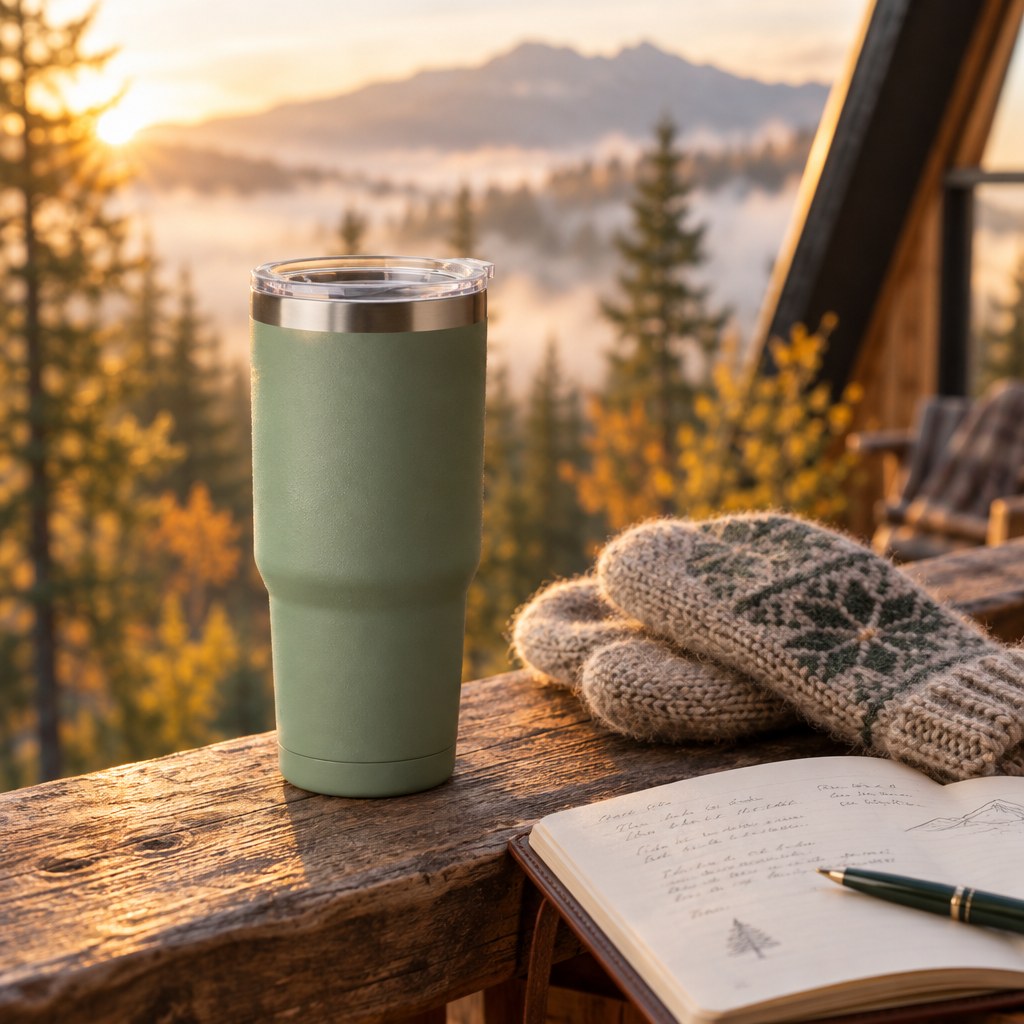
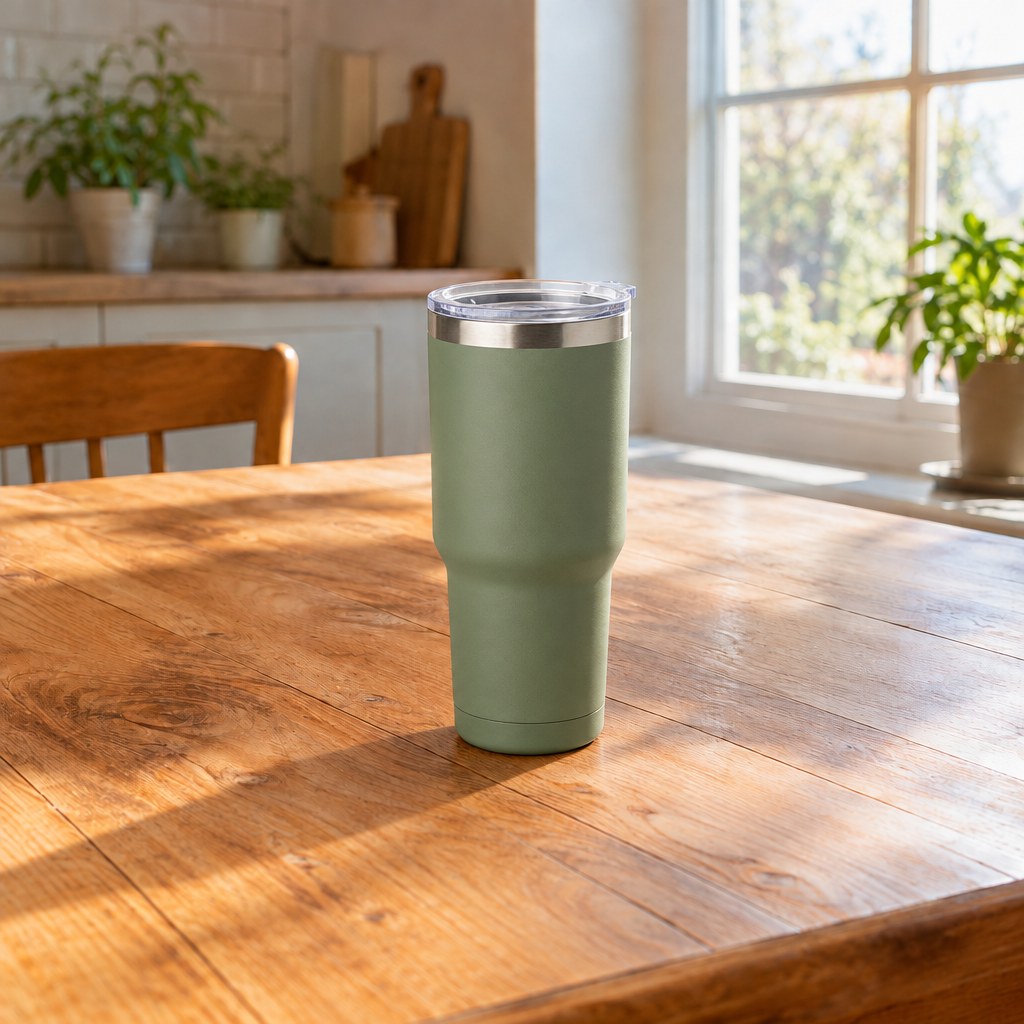
We've upgraded image generation to OpenAI's GPT Image 2.5 Flare. It now powers lifestyle product photos, white-background shots, alternate angles, and scene edits.
Your photo is the starting point
Upload a product photo, choose a scene or describe an edit, and generate images for your store or ads. You can also combine a product reference with a saved scene. The new model handles the image generation behind those steps.
We chose Flare for its balance of image quality and speed. OpenAI describes it as its fastest model for high-quality everyday image generation, with support for both text and image references. Read the model details from OpenAI.
Scene prompts have an update, too
Gemini 3.8 Flash now writes the scene prompts used for automatic batches, replacing Gemini 2.5 Flash. It uses your reference photo and product details to suggest settings for your product.
Ready for your next shoot
Your existing photos stay in your library. New generations use the updated models, with the same plans and credit allowances.
Create product photos